Point a camera at a crowd.
Get faces on your mixer.
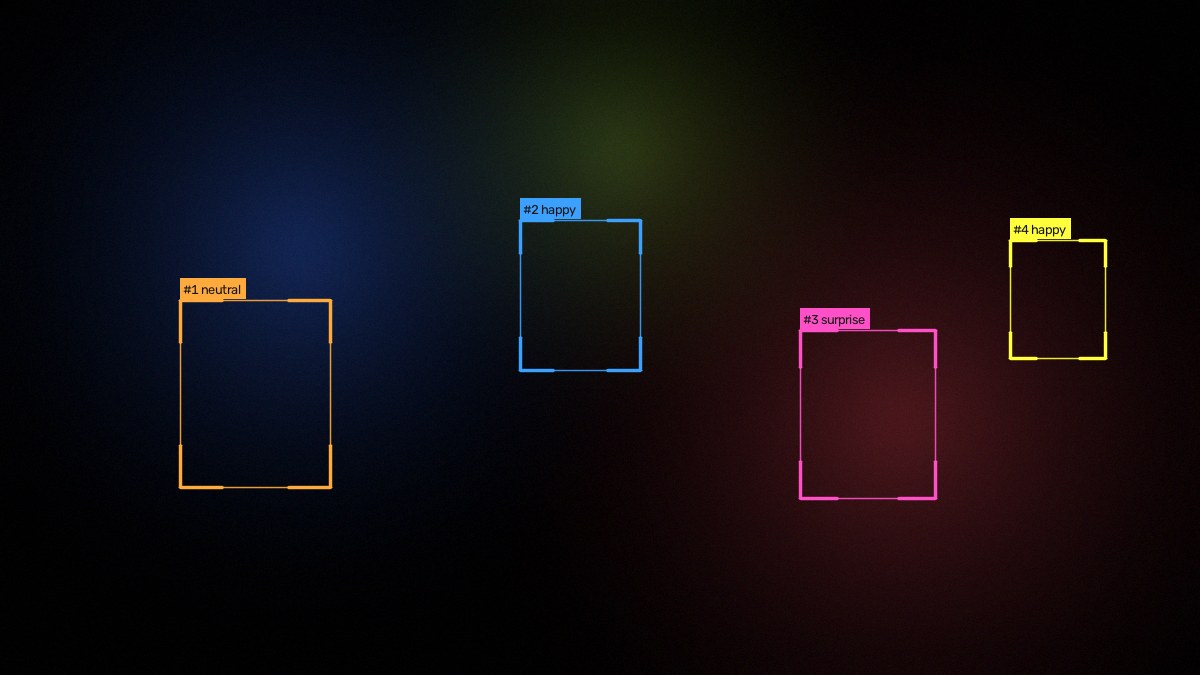
yewee finds and follows every face in shot and sends the result straight to your vision mixer over NDI — plus Syphon and Spout for the VJ rig next to it. You drive the whole thing from a browser on your phone.
Built for a show, not a lab
Everything is a live control. Nothing needs a restart, and it keeps running when things go wrong.
Runs from your phone
The control panel is a web page on your network. Tune it from front of house while the machine sits on stage.
Fails quietly
Camera unplugged mid-show? Outputs cut to black, not to an error, and reconnect by themselves the moment the signal returns.
Never eats the machine
A load meter shows what each feature costs, and an optional relief valve sheds quality rather than dropping frames.
Any source
Webcams, capture cards (Blackmagic, Magewell, AJA, Elgato) and NDI feeds from elsewhere on the network.
Test card built in
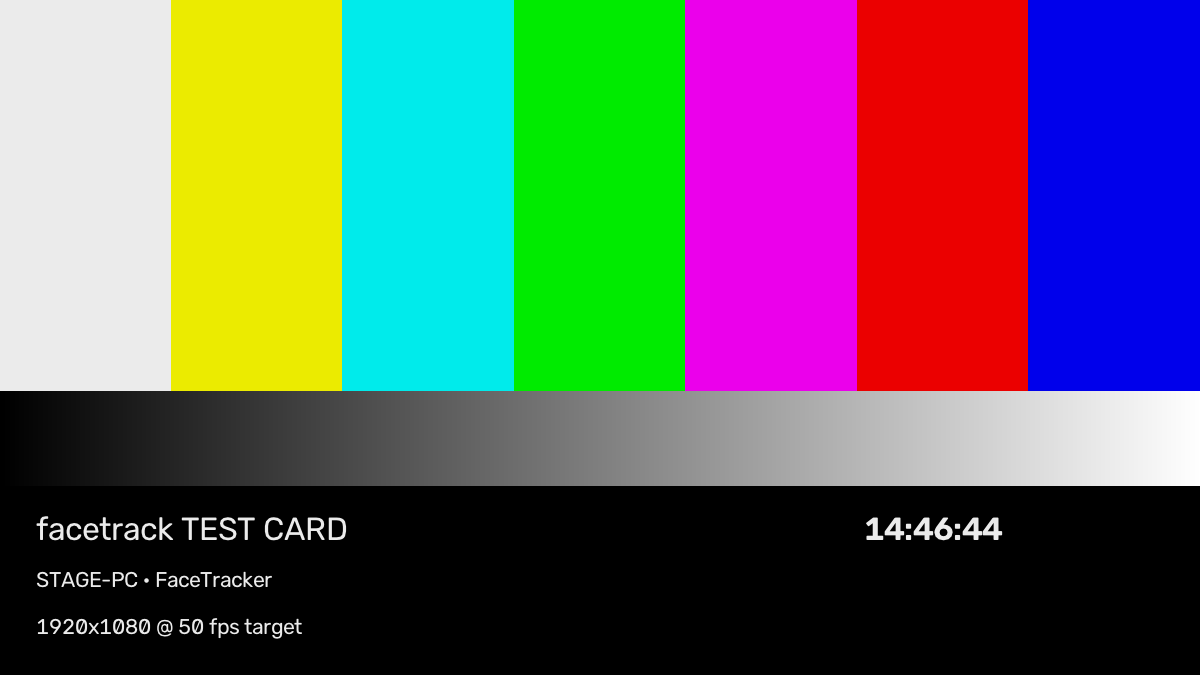
Bars, a clock and a moving block on every feed, so you can prove the chain end to end before doors.
Starts by itself
Crash restart, a watchdog for a wedged driver, and the machine can't sleep while it's running.
Four feeds, two transports, any combination
Send each one over NDI to the network, to Syphon/Spout on the same machine, or both at once.
| Feed | What it carries |
|---|---|
| Program | The picture, with tracking graphics — or kept clean if you want the graphics elsewhere. |
| Overlay | Graphics only on real transparency, ready to key in vMix, Resolume, TriCaster or OBS. |
| Faces cutout | Just the people, everything else transparent — rectangles, soft ovals, or a full silhouette. |
| Mask | The matte on its own, white on black or carried in alpha, for keying in any desk. |
What it needs
macOS
Apple Silicon or Intel, macOS 11 or newer. Syphon output included. Runs comfortably on CPU.
Windows
Windows 10 or 11. Spout output included. An NVIDIA GPU is optional but unlocks the higher-accuracy detector and faster silhouettes.
It does not know who anyone is
yewee detects and follows faces. It does not perform facial recognition, does not match anyone against a database, and stores no images or video — frames are processed and discarded in memory. Expression labels, if you switch them on, are a cosmetic estimate drawn on the picture and are never recorded.
Buy it once
No subscription. No per-show fee.
- Both platforms — Mac and Windows
- Use it on your own machines
- Works offline: activation needs no internet
- Free updates within the version
Price announced at launch. Try it free for 72 hours now — licence keys by email until checkout opens.
Try it on your rig
Version 1.4. The full app, free for 72 hours — no account, nothing disabled. When the trial ends the outputs hold on a slate until a licence key is entered; nothing is lost and no settings are reset.
Apple Silicon · 168 MB · .dmg Download for Windows
Windows 10/11 x64 · 333 MB · installer
First launch: the macOS app is signed but not yet notarised — right-click the app and choose Open the first time. On Windows, SmartScreen may warn while the build is unsigned — choose More info → Run anyway. Both notices disappear in an upcoming release.
macOS 11+ (Apple Silicon) Windows 10+ NDI · Syphon · Spout All versions & notes
FAQ
Does activation need an internet connection?
No. Your licence key is verified on the machine itself, so it works on a show network with no route to the outside world, or a machine that has never been online. Paste the key into the control panel and that's it.
What happens when the trial ends?
The app keeps running and the control panel stays usable, but the feeds hold on a "trial ended" slate instead of the picture. Enter a key and the video comes straight back — nothing is lost and no settings are reset.
Can I move it to another machine?
Yes. Remove the licence in the panel on the old machine and activate on the new one. Standard keys are not locked to hardware.
Does it recognise or identify people?
No — and it can't. It finds that a face is present and follows it while it stays in shot. There is no identity model, no database and no stored imagery.
Which capture cards work?
USB devices (Elgato Cam Link, Magewell USB Capture, AJA U-TAP, AVerMedia) work on both platforms. On Windows, PCIe cards including Blackmagic DeckLink, Magewell Pro Capture and AJA KONA work through their DirectShow drivers — pick the driver and exact format in the panel.
Can it take an NDI feed as its input?
Yes. Any NDI source on the network can be the input, so yewee can sit anywhere in an existing chain rather than needing the camera directly.
How many faces can it handle?
Dozens comfortably. The cost of tracking barely moves with crowd size; what costs is how hard you ask it to look for small distant faces, and the panel shows you that trade in milliseconds as you change it.